Evening messages answered
Your client gets an answer and a free slot right away, even outside your opening hours.

An assistant in WhatsApp answers their messages and puts appointments in your calendar while you cut hair or are already at home.
Always optional. You only pay for appointments the AI books for you.
Your client gets an answer and a free slot right away, even outside your opening hours.
Just before the appointment the assistant asks if it still fits. Rescheduling takes one tap.
No calls between two clients and no messages left waiting.
Tap the buttons in the phone. That's how you see what the owner gets.
Tap the phone to try it
As soon as you book, the appointment shows up here.
She sends a message. The assistant suggests free times and books them in your calendar.
Just before the appointment, the assistant checks that it still works.
No longer works? A new time is quickly found.
A difficult question comes to you, with everything that has been said.
Example conversations with Studio Yuplee, a fictional salon.
Without AI, everything works as normal, and free. With AI, an assistant answers your clients. You only pay for appointments it books for you.
Work out what it costsYou get a link and a QR code that start a conversation with your salon.
 Scan and bookStudio Yuplee
Your salon name always comes first.
A few questions, about ten minutes.
Your salon name opens the first message.
The assistant replies. You see it in your calendar.
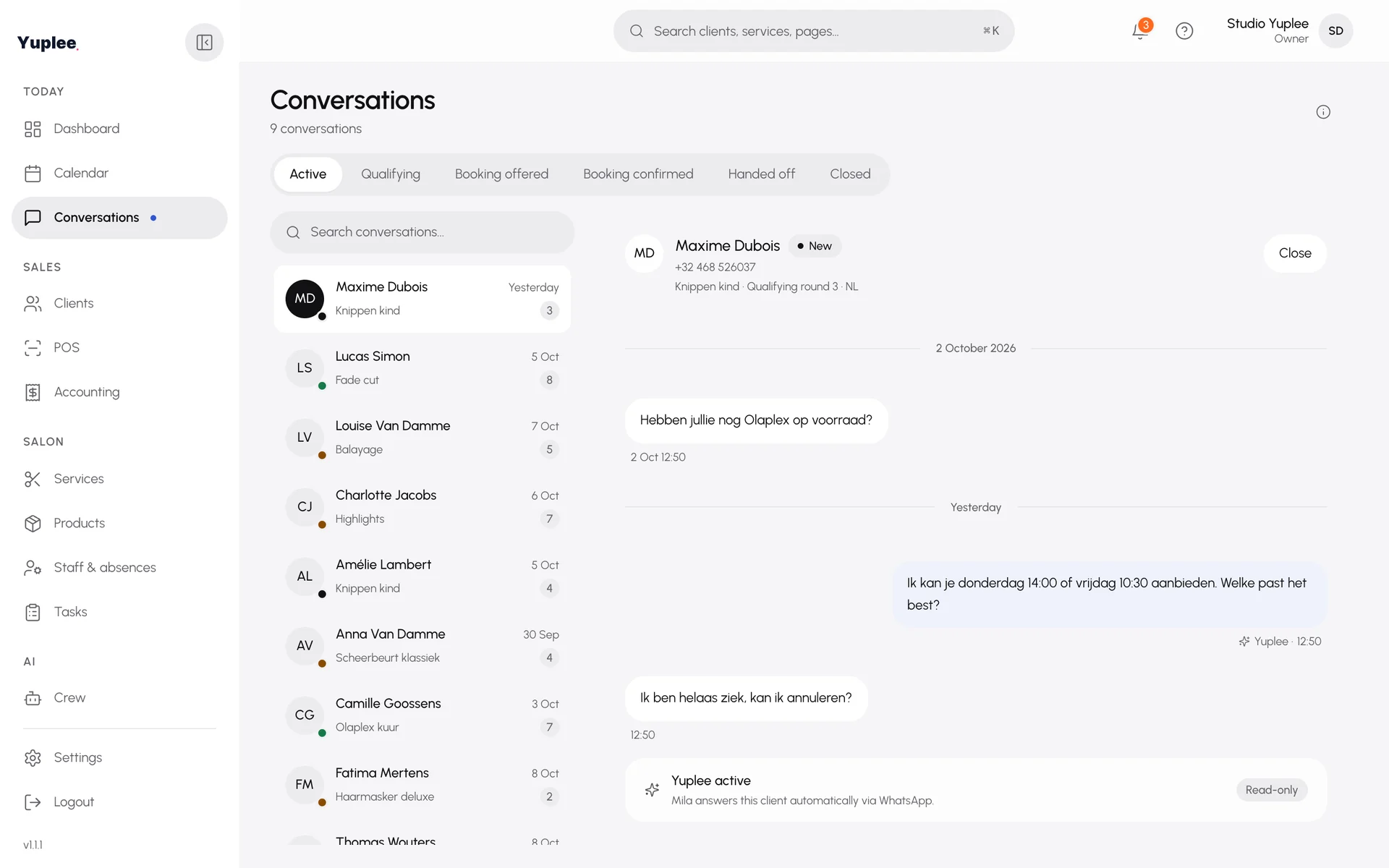
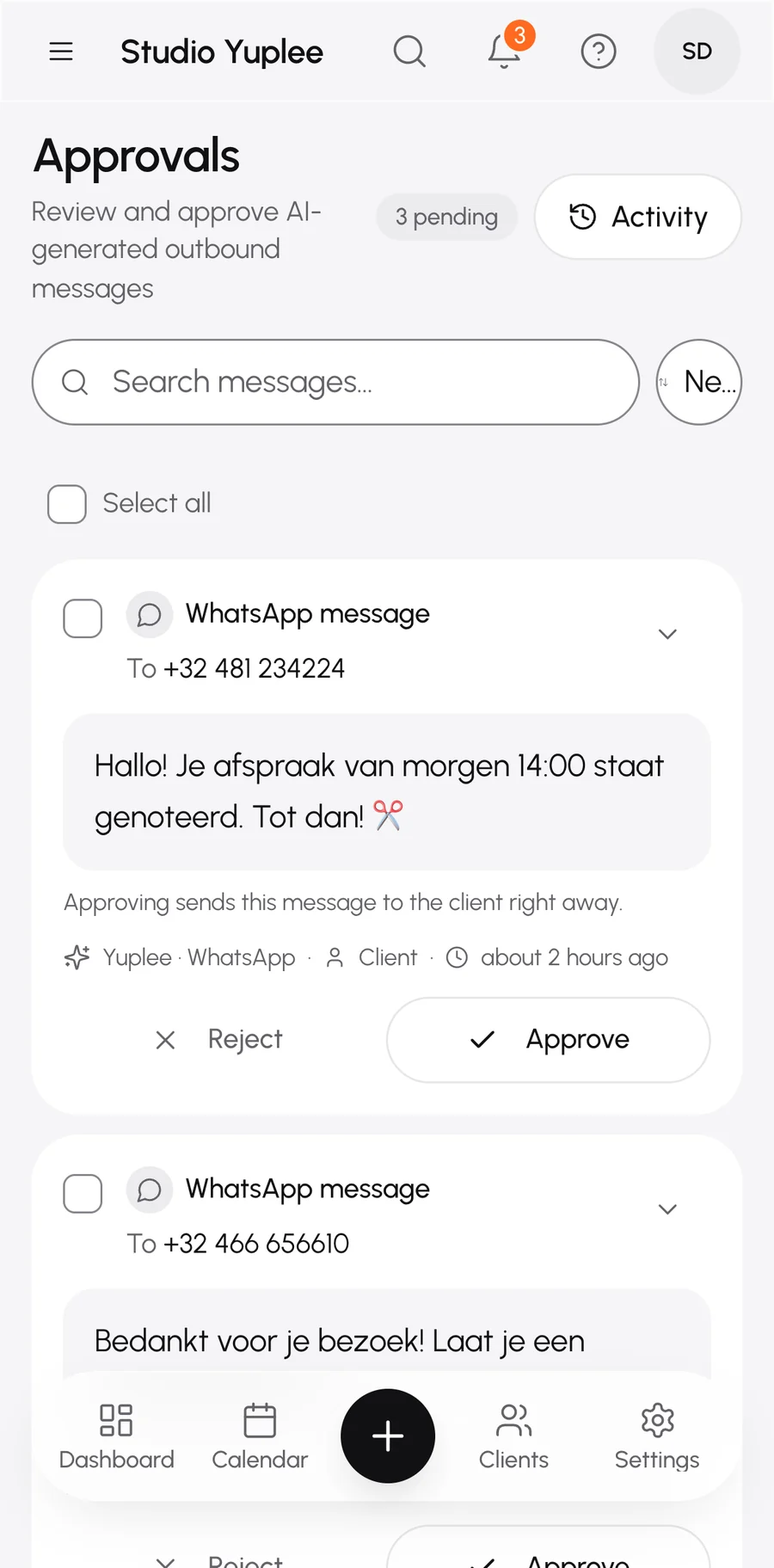
You can follow every conversation. And you can always book an appointment yourself.
Your clients install nothing and create no account.
They write on WhatsApp, where they already write to you.
Reply to your client yourself whenever you want.
You see who wants to receive messages.
A client wants no more messages? You set that in their client file.
It stays yours. We process data on your behalf.
It answers your clients, suggests free times and books in your calendar. If a question gets tricky, it hands the conversation to you.
It answers with what you entered about your salon, such as your treatments, prices and hours. You also choose how it sounds.
Always. You can read every conversation and just reply yourself.
Yes, with one click. You switch it back on whenever you like.
No. They book through your link or QR code, on your booking page or in WhatsApp. No app, no account.
You set that in their client file, per type of message.
Start free. You switch the AI on when you are ready.
Free. No card number.