“My clients will get lost.”
Your whole client list comes along. Every client gets their own client profile in Yuplee.

Your clients, team, treatments and calendar come along. Your old system stays intact until you're ready.
Your whole client list, even with thousands of clients.
Your team is ready in your calendar straight away.
With your categories and options.
Appointments from the past three years up to a year ahead.
And your open gift vouchers via a CSV from your previous software.
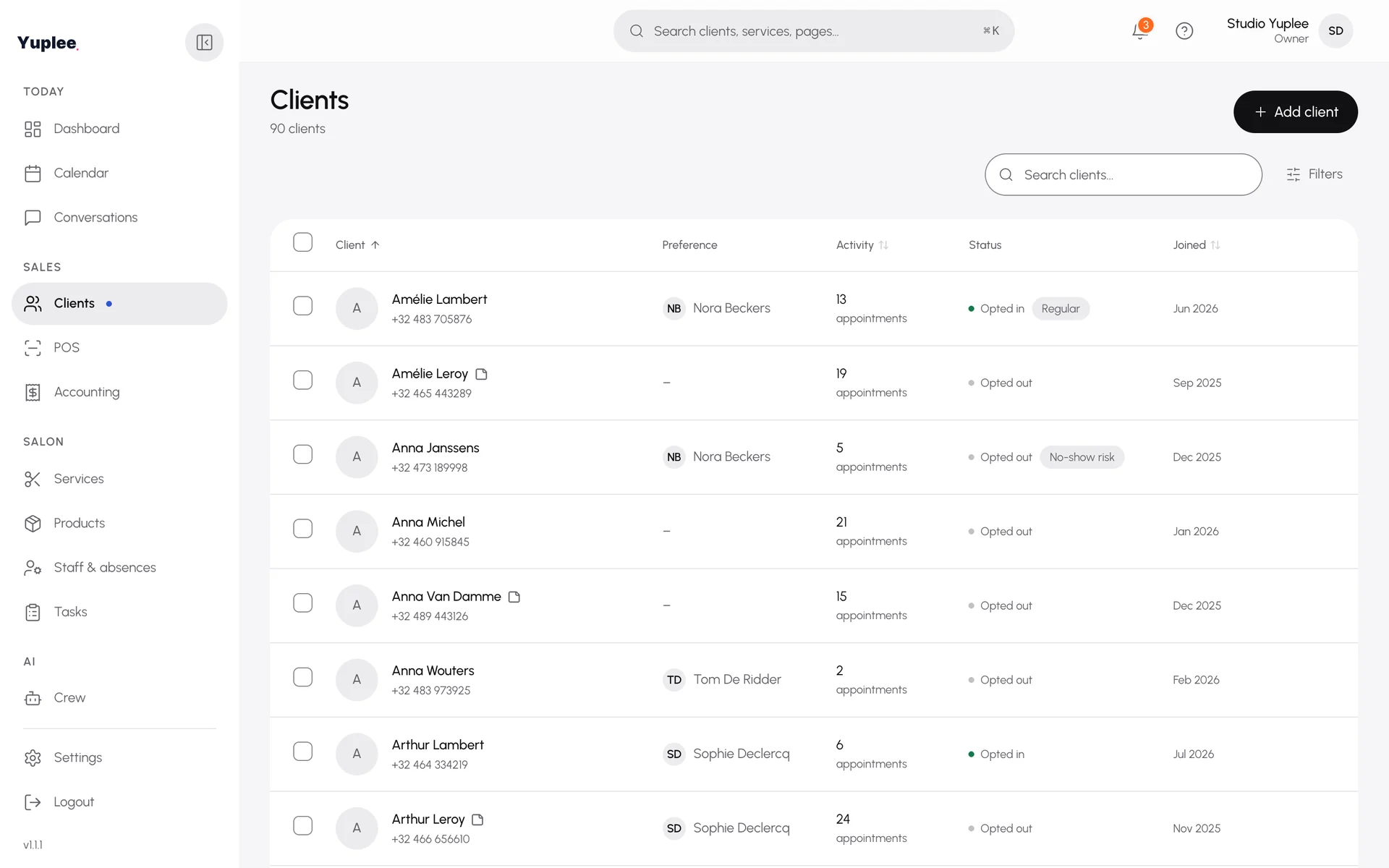
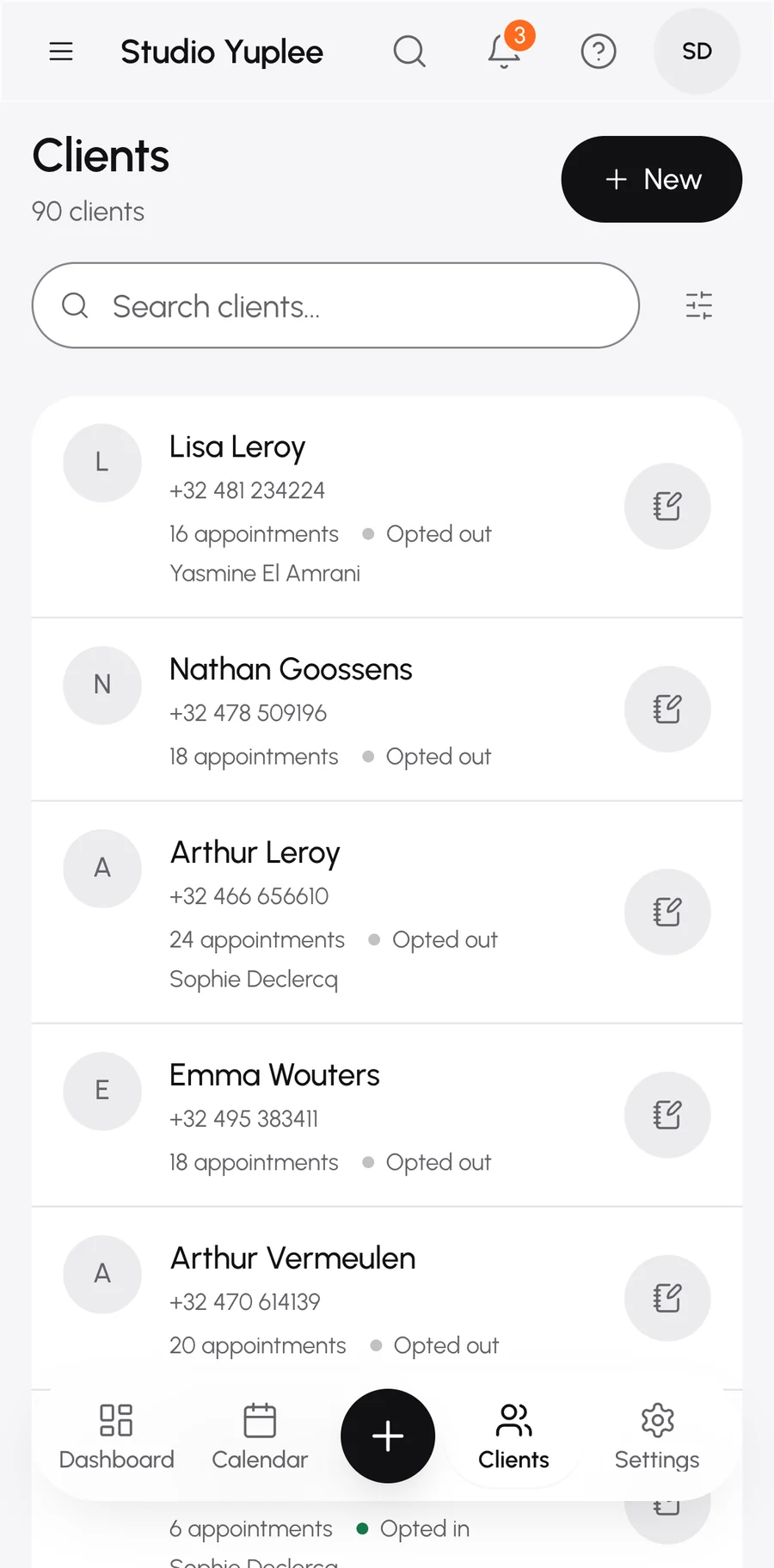
Your whole client list comes along. Every client gets their own client profile in Yuplee.
Your appointments come along, from three years back to a year ahead.
No. You share no login details. You stay logged in to your old system yourself.
No. They book through your link or in WhatsApp. No app, no account.
You take over your open vouchers with their balance. You see the total beforehand and undo the import if something is off.
You can always export your client list and your figures. You're not tied to anything.
You create your salon. No card number.
Just your clients, or your team, treatments and calendar too.
A short step in your browser, without sharing login details.
You see what came in and what didn't. Then you can start booking right away.
Want to tidy up your treatments first? Then start with just your clients. Do the rest later.
The fastest start. You set up your treatments neatly yourself.
Your salon is ready. Only your calendar is left to fill.
Your appointments come along, together with your clients, team and treatments.
Tell us which system you use. We'll honestly tell you what we can take over.
Tell usYou set up your salon yourself in about ten minutes and add your clients yourself.
From a CSV, with a check on the total. Uploading a second time changes nothing.
You enter your WhatsApp number. You get a message from Yuplee and together you set up your salon in the chat. That takes about ten minutes.
No. Your clients stay in WhatsApp, where they already write to you. A link or QR code opens the conversation.
You don't need to be. You answer a few questions about your salon and you're ready in about ten minutes.
You can bring your clients, team, treatments and calendar across in one go, without sharing your login. You can also import your open gift vouchers. Read everything about switching.
We only copy. Your old system stays untouched until you stop using it. After the import you see a final report of what came across and what didn't.
No. You decide when. First check that everything is right in Yuplee.
Start free. Your old system simply stays where it is.
Free. No card number.