Really everything. At a glance.

For those who want to know exactly. Every Yuplee feature, by area, without repetition.

Often requestedOther salons ask for this a lot. Yuplee has it.

121 features

Online booking.

What your clients see and do on your booking page.
13 features
FeatureWhat it doesOften requested
Booking page for your salon
Your own link, which you can also embed on your website.
QR code
Your client scans it and starts a conversation or a booking right away.
Often requestedOften requested
No app or account for your client
Your client books through your link or in WhatsApp, without installing anything.
Search for a treatment
By name or category, with the duration.
Choose with whom
A specific team member, or anyone who is available.
Options per treatment
For example short, medium or long, each with its own price and duration.
Date and time
Only genuinely free times, with the next free spot if there is nothing.
Holding the slot
The chosen time stays reserved for your client for a moment.
Deposit against no-shows
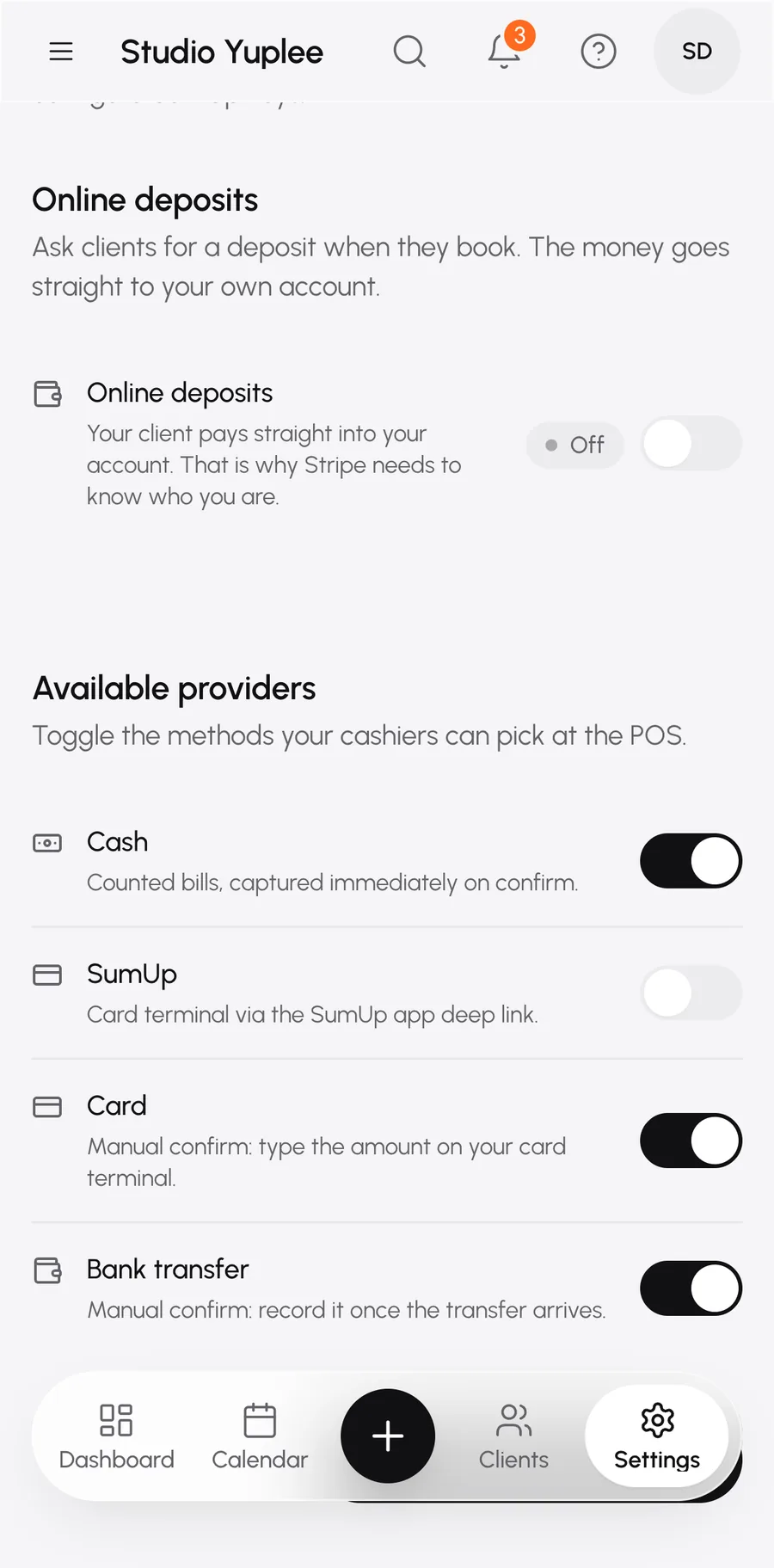
Paid online, per treatment or for your whole salon. Refunding is possible from your calendar.
Often requestedOften requested
Confirm first
Have bookings approved by you first, if you want.
Online bookable per team member
Decide who can be booked online and who can't.
Add to calendar
Your client adds the appointment to their own calendar with one tap.
Protection against fake bookings
A check that keeps robots out.

Salon calendar.

Your day, your week, your team.
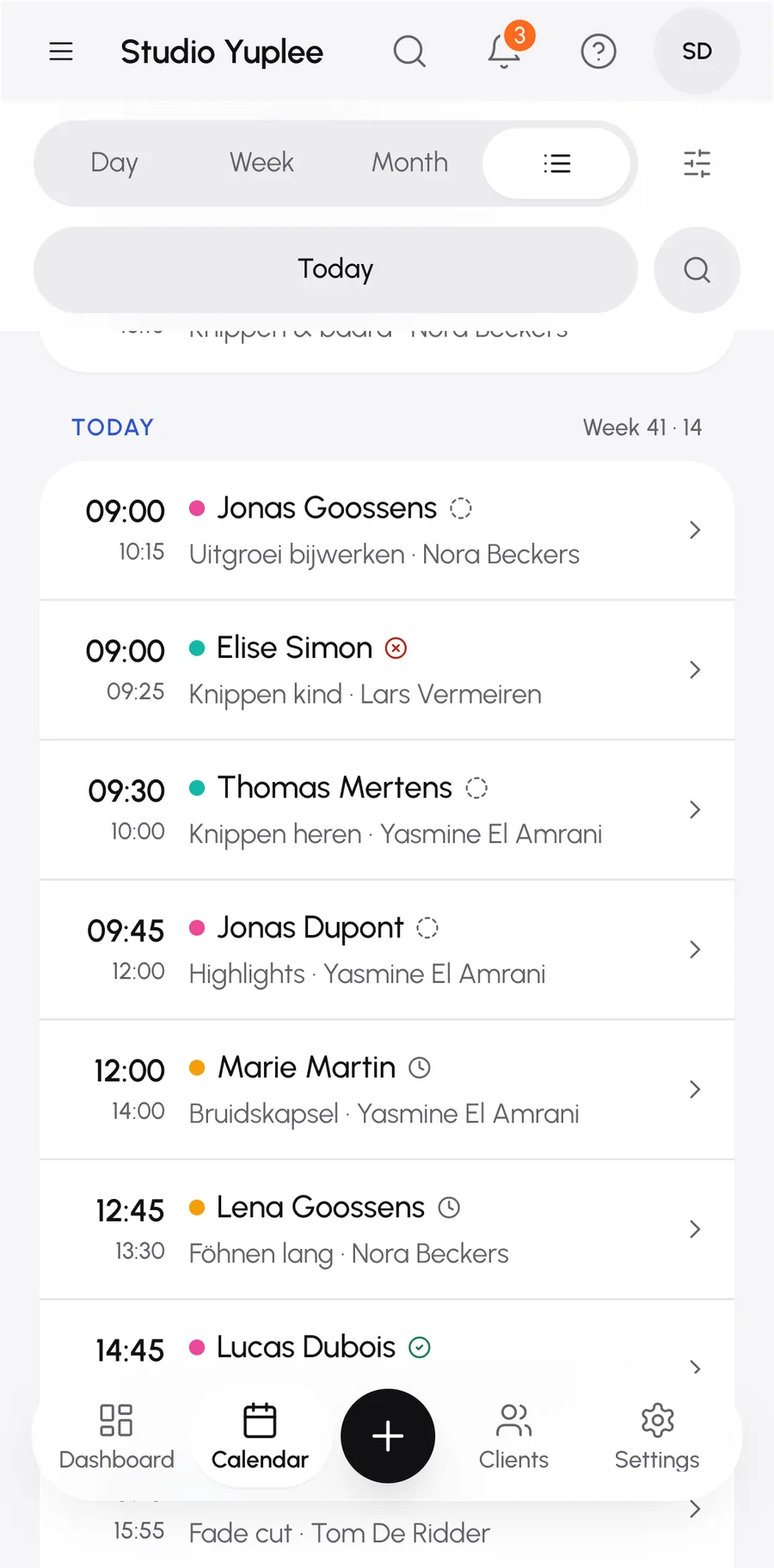
14 features
FeatureWhat it doesOften requested
Adding an appointment yourself
For a client on the phone or at the front desk. Online booking is an extra, not an obligation.
Per team member
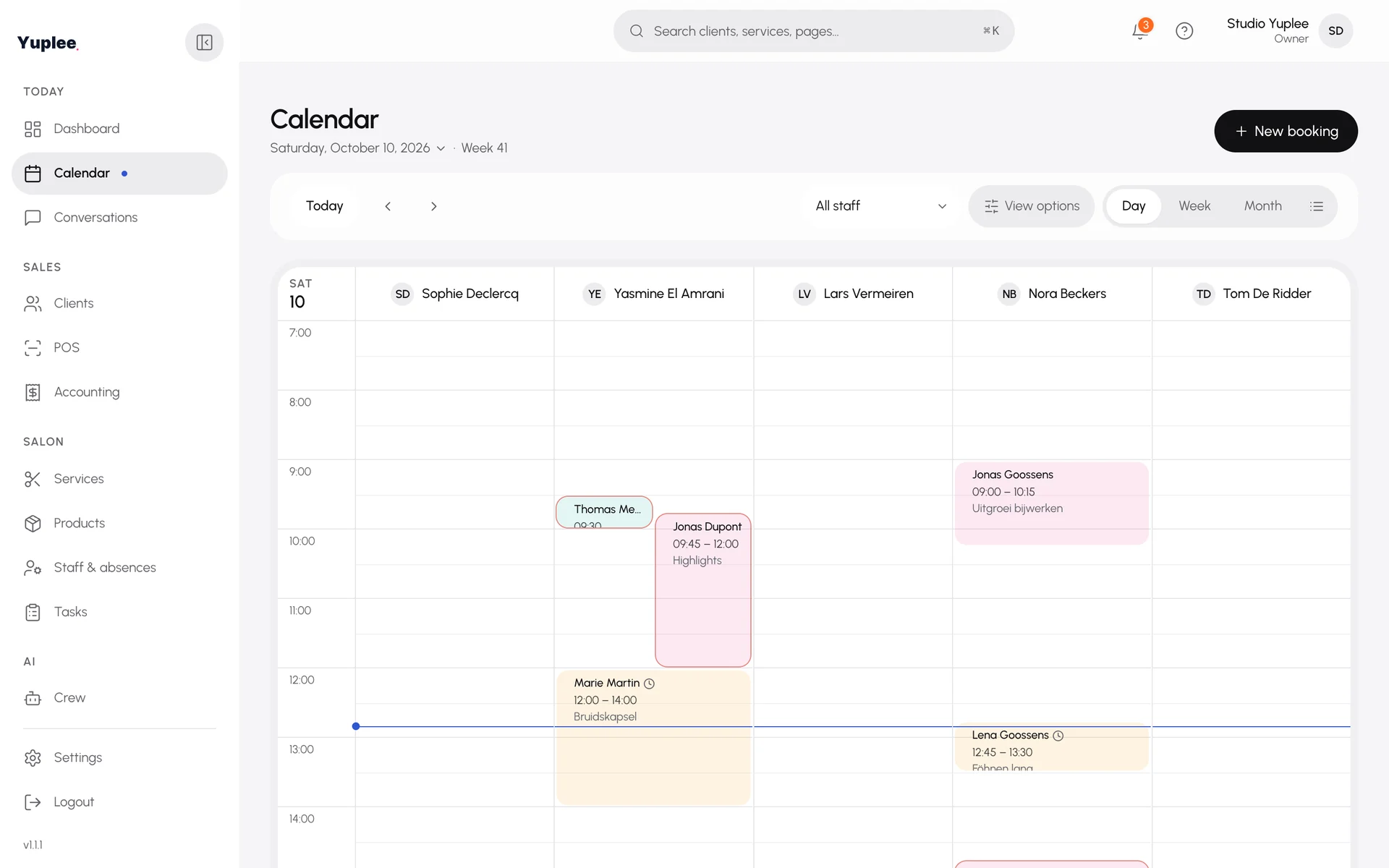
All team members side by side, appointments in colour.
Week numbers
See at a glance which week it is.
Often requestedOften requested
Absences in your calendar
Holidays and leave show up for every team member in the calendar.
Often requestedOften requested
Never double-booked
Overlaps get an immediate warning.
Changing a booking
Move, change or cancel, with a reason.
Notify the client, or not
Choose per cancellation whether your client gets a message. You set the default yourself.
Often requestedOften requested
Appointment status
Confirmed, completed or no-show, with one tap.
Second client during the processing time
Book someone else during the waiting time of a colour treatment.
Block time
Lock a slot or schedule an internal task, like a big clean.
Filter
By team member or by status.
Show or hide night hours
So your calendar is no longer than it needs to be.
New client or treatment on the spot
You don't need to interrupt the booking to add something.
Delete and restore
An internal correction your client never sees.

Team.

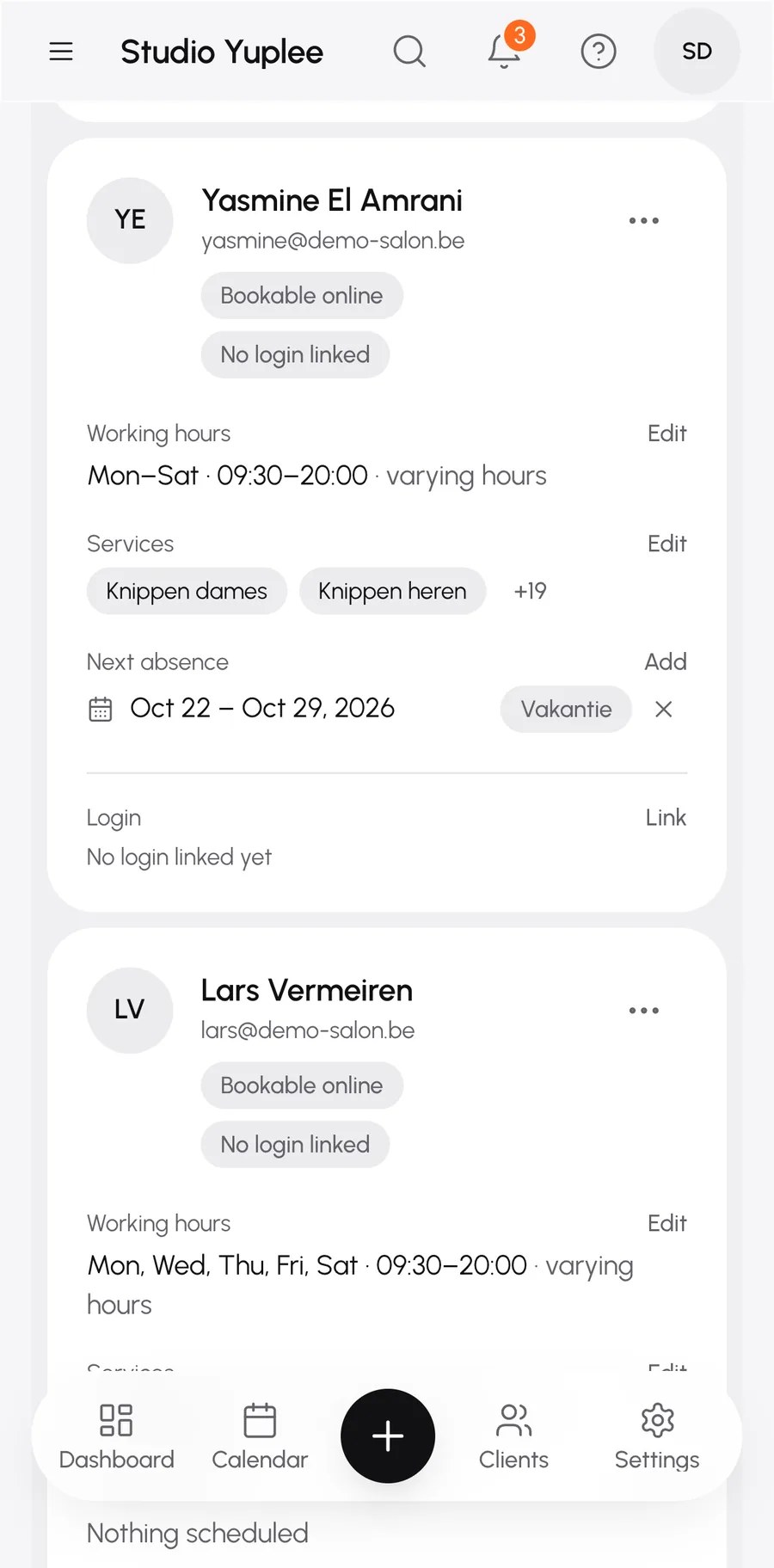
Every team member has their own hours, photo and treatments.
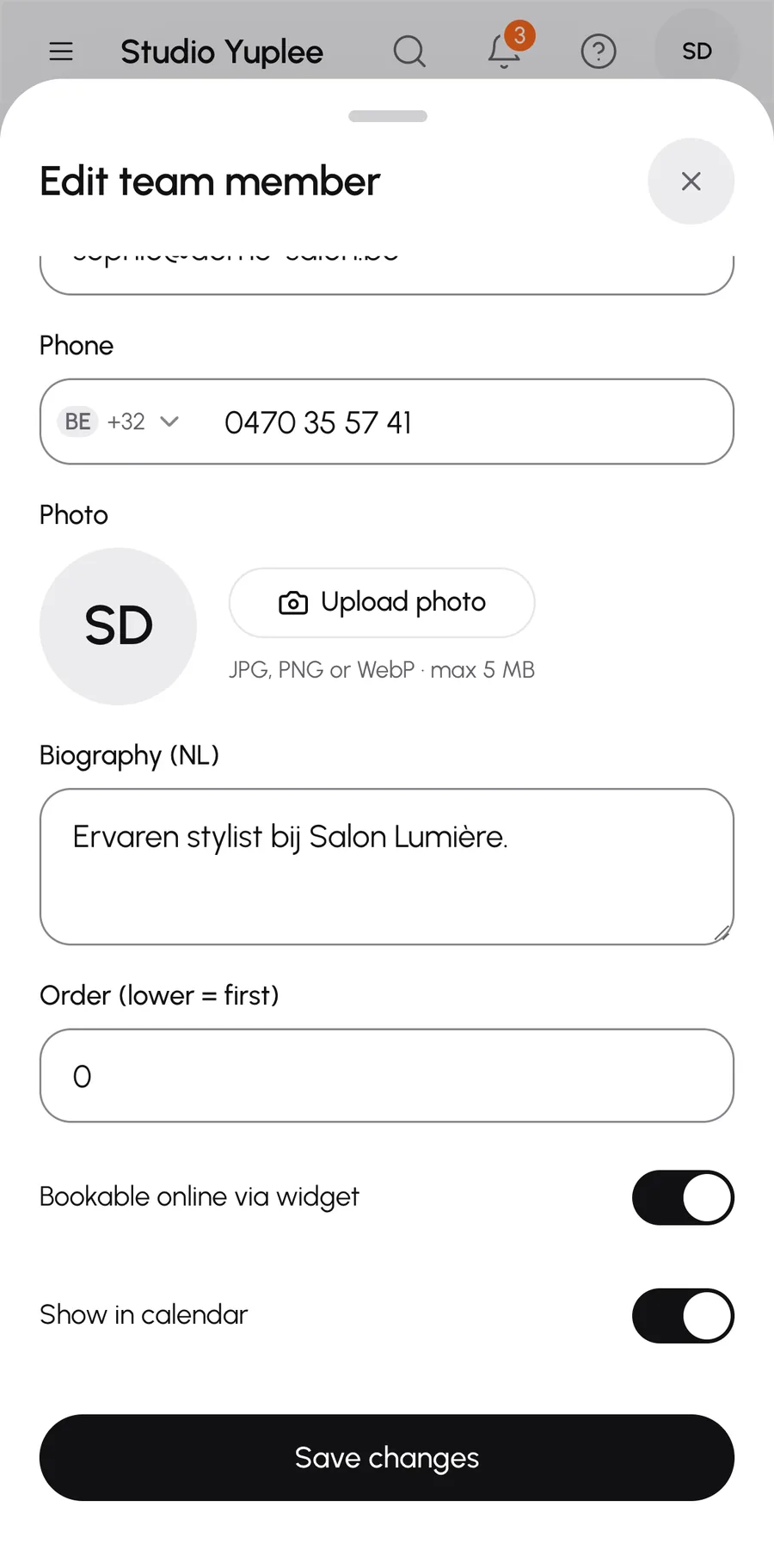
9 features
FeatureWhat it doesOften requested
Own working hours
Per team member, different from the salon's hours.
Often requestedOften requested
Photo per team member
Visible in your calendar and on the booking page.
Often requestedOften requested
Plan an absence
One-off, several days or the same day off every week.
Often requestedOften requested
Warning on conflicts
You see which bookings overlap with an absence.
Who does what
Choose for each team member which treatments they can perform.
Short bio
One sentence about your team member on the booking page.
Own order
Decide the order in which your team appears.
Linked login
At checkout the right team member is filled in automatically.
Archive a team member
A team member who has left disappears from booking, the history stays.

Treatments.

Your offer, exactly the way you sell it.
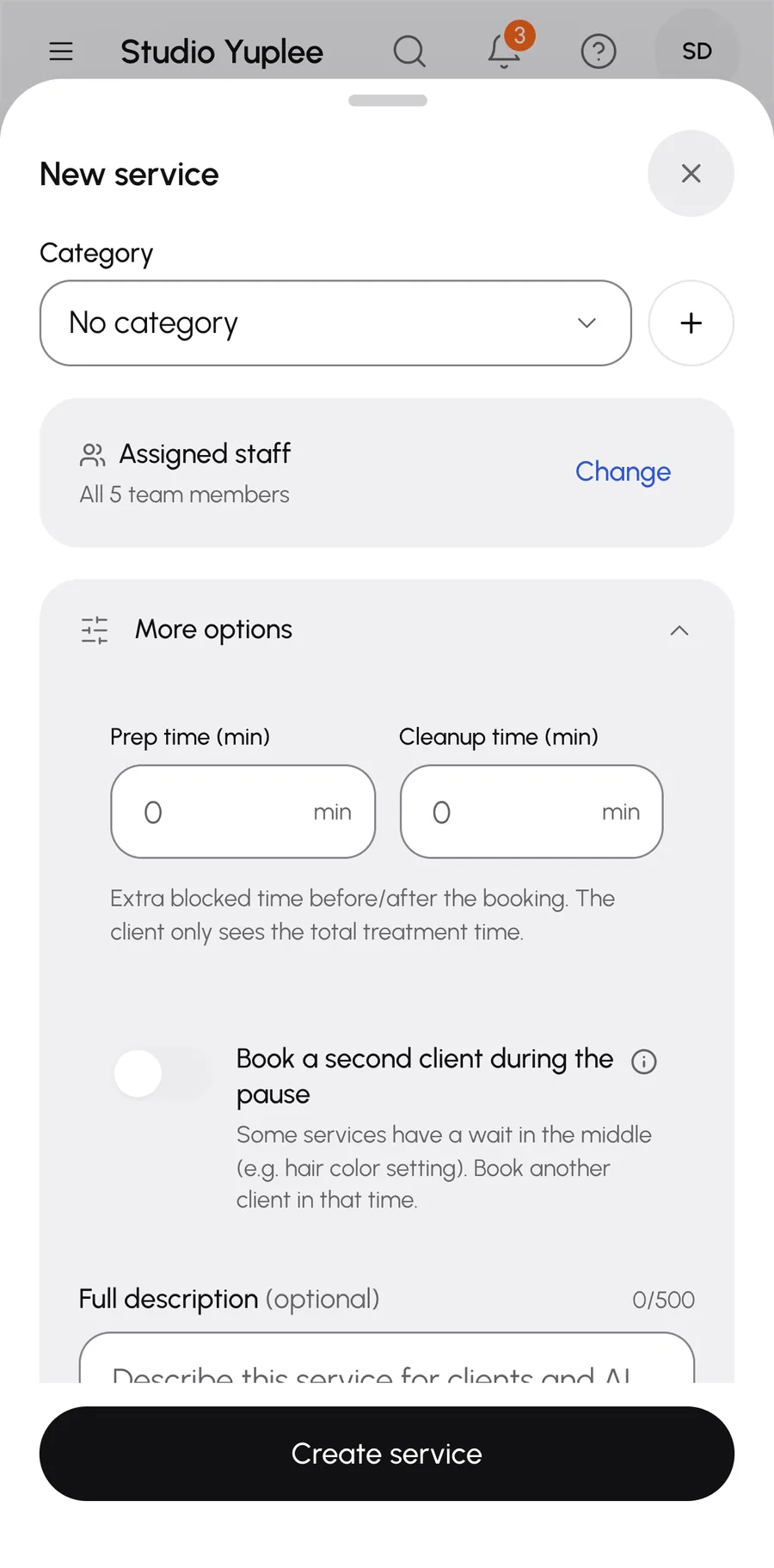
8 features
FeatureWhat it doesOften requested
Categories with colour
So you recognise everything at once in your calendar.
Set the order yourself
Drag treatments and categories to where you want them.
Often requestedOften requested
Buffer time
Preparation and clean-up time per treatment. Your client only sees the treatment time.
Often requestedOften requested
Processing time
Say when the break starts and how long it lasts.
Multiple options
Each option with its own price and duration.
Deposit per treatment
Or your salon's default, or no deposit.
Description
A text for your clients with every treatment.
Archive a treatment
A treatment disappears from booking, but you lose nothing.

Clients.

Everything about your client, in one place.
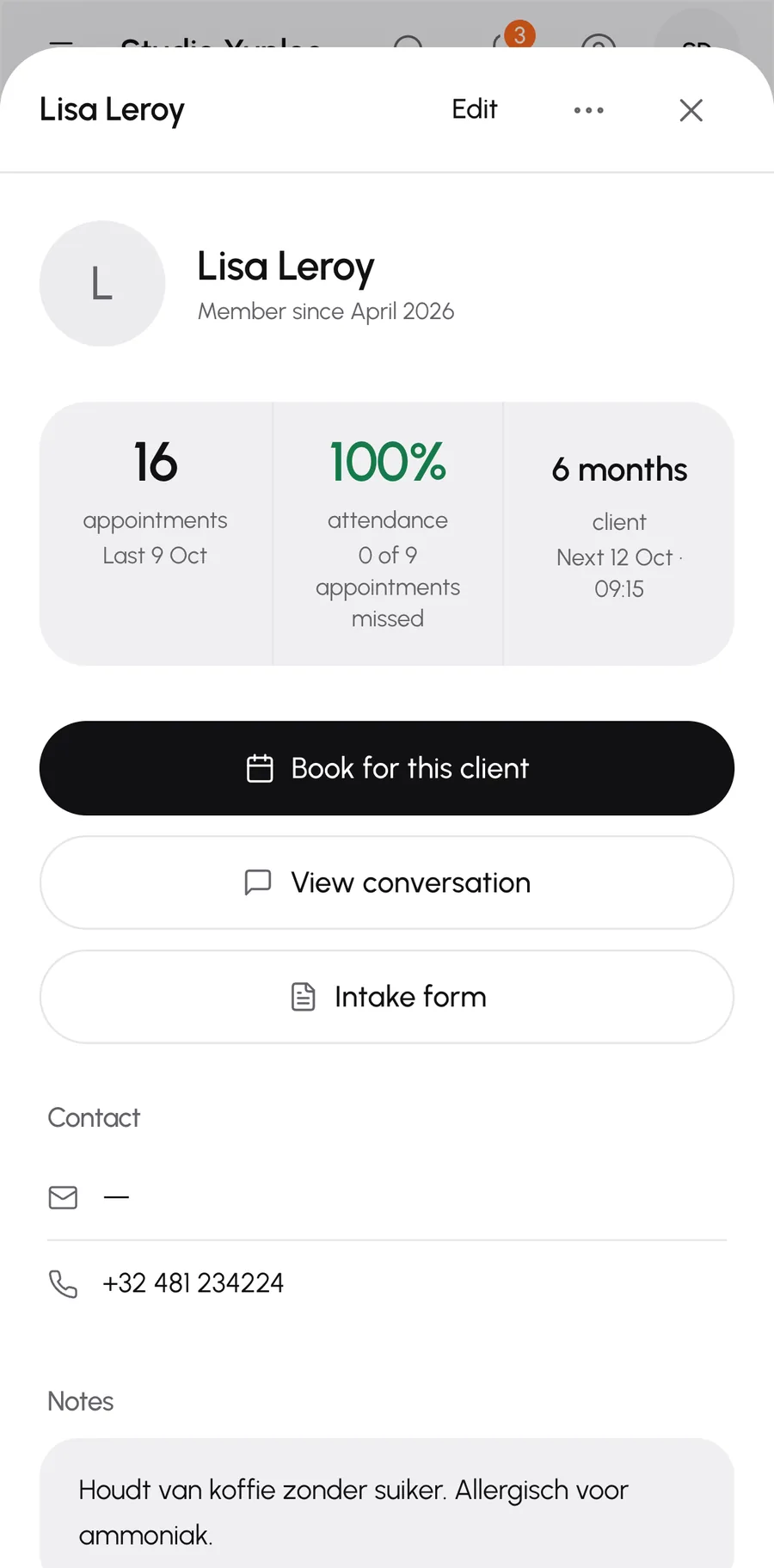
12 features
FeatureWhat it doesOften requested
Add clients yourself
You create a new client in a few taps, even while booking.
Client profile
Contact details, notes such as allergies, labels and a preferred team member.
Quick note
Add a note without opening the profile.
Booking history
Every appointment of your client, with rebooking in one tap.
Products bought
See which products a client bought and for how much.
Often requestedOften requested
Reliability
How many appointments a client missed, with a filter on no-show risk.
Often requestedOften requested
Digital intake form
Your client fills it in and signs online. You choose which form.
Often requestedOften requested
Consent per type of message
Reminders and news can be set separately, in line with the GDPR.
Block a client
With a reason, so that person can no longer book.
Spot duplicate clients
You get a heads-up when someone is already on your list.
Search, select, export
By name, phone or email, and your list as a file.
View the conversation
See at once the conversation your client had with your salon.

Checkout.

Check out without typing anything again.
8 features
FeatureWhat it doesOften requested
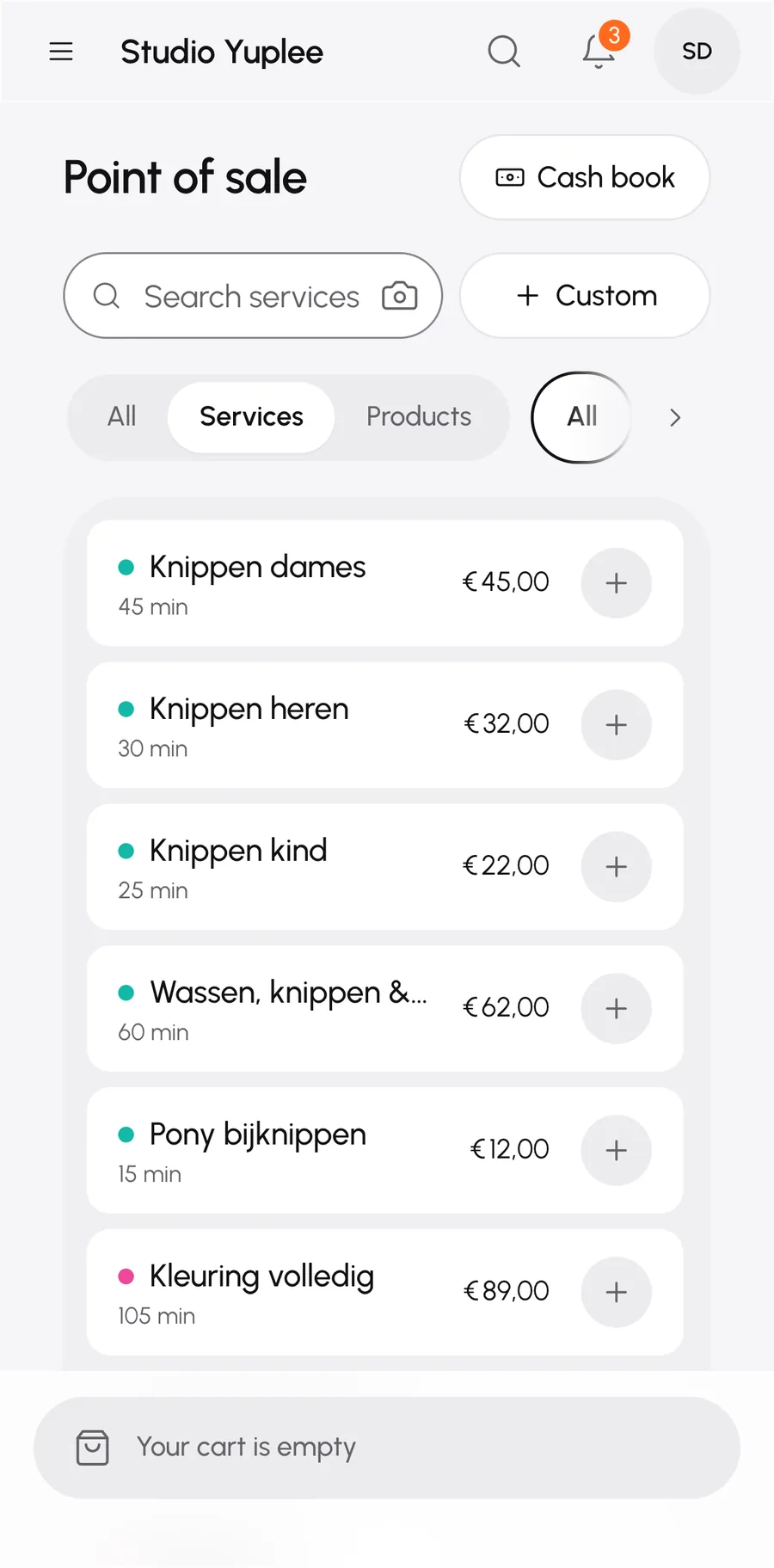
Check out from your calendar
The treatment, client and team member are already filled in.
Often requestedOften requested
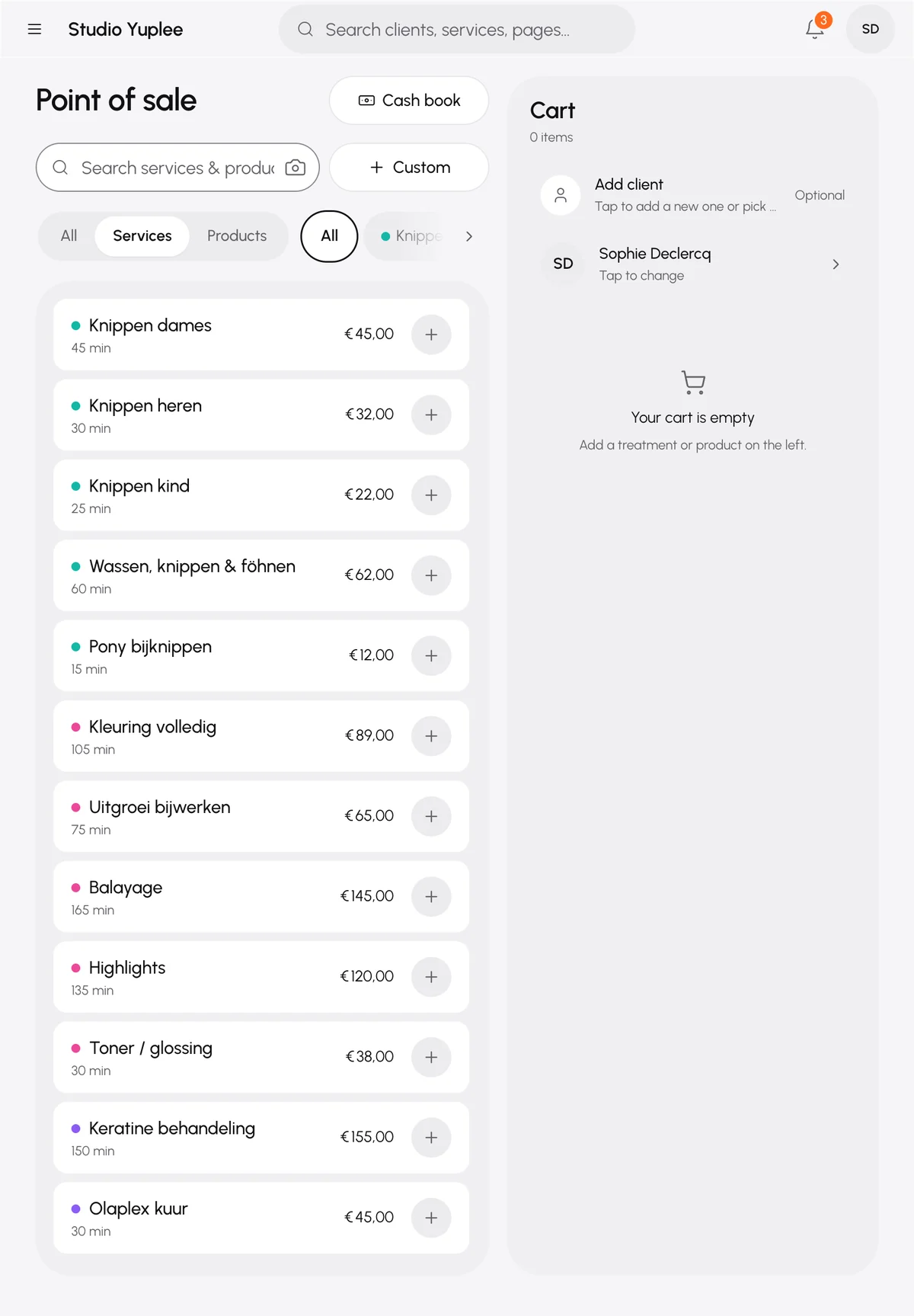
Add products
Search by name or barcode and add them to the same sale.
Add your own line
A one-off item, or save it straight to your catalogue.
Discount
On one line or on the whole sale.
Payment
Cash with change, card, bank transfer or gift voucher.
Receipt
Send the receipt by WhatsApp, if your client gave permission.
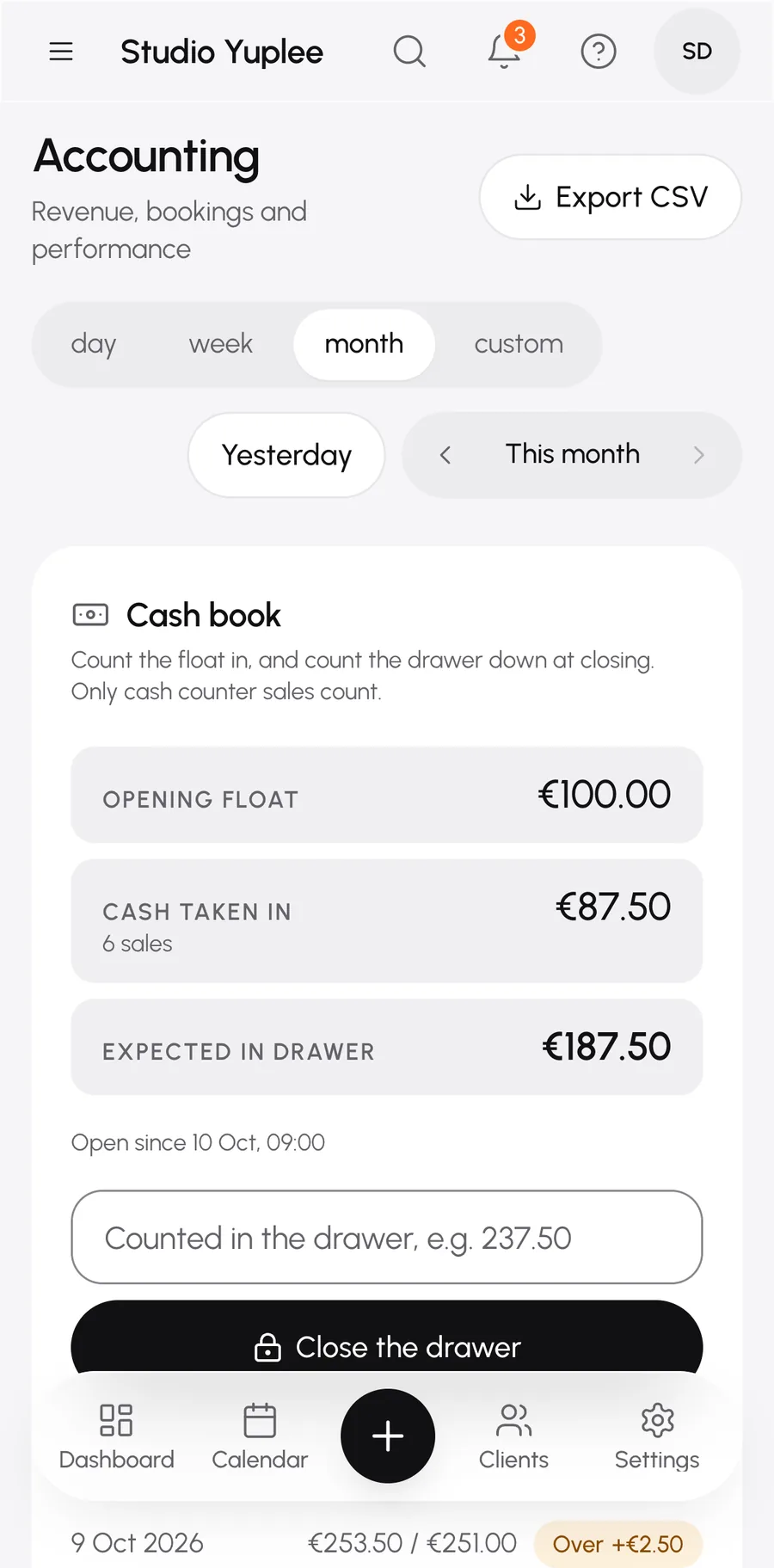
Close the till with a cash book
Count in your starting float and count out the drawer. You see the difference at once.
Often requestedOften requested
Previous tills
Every closing is kept.

Gift vouchers.

Sell, redeem and track.
9 features
FeatureWhat it doesOften requested
Sell a voucher at checkout
With an amount, a name and a note. The code is on the receipt.
Often requestedOften requested
Redeem a voucher
In full or in part. What is left stays on the voucher.
Often requestedOften requested
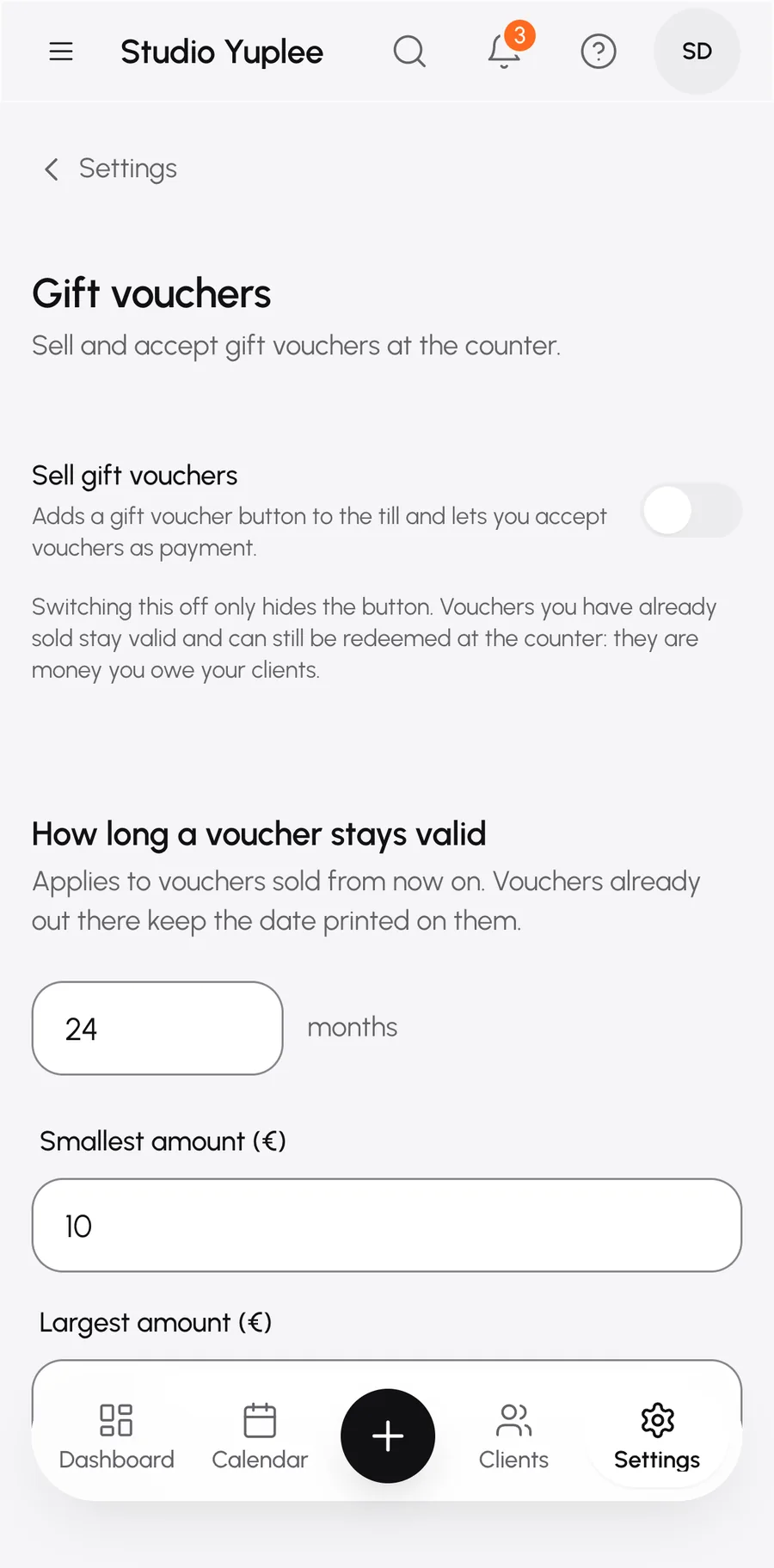
Validity
With or without an expiry date. You can make an expired voucher valid again.
History per voucher
When it was sold and every time it was used.
Issue a free voucher
For example as compensation, with the reason.
Cancel a voucher
With a reason that stays in the history.
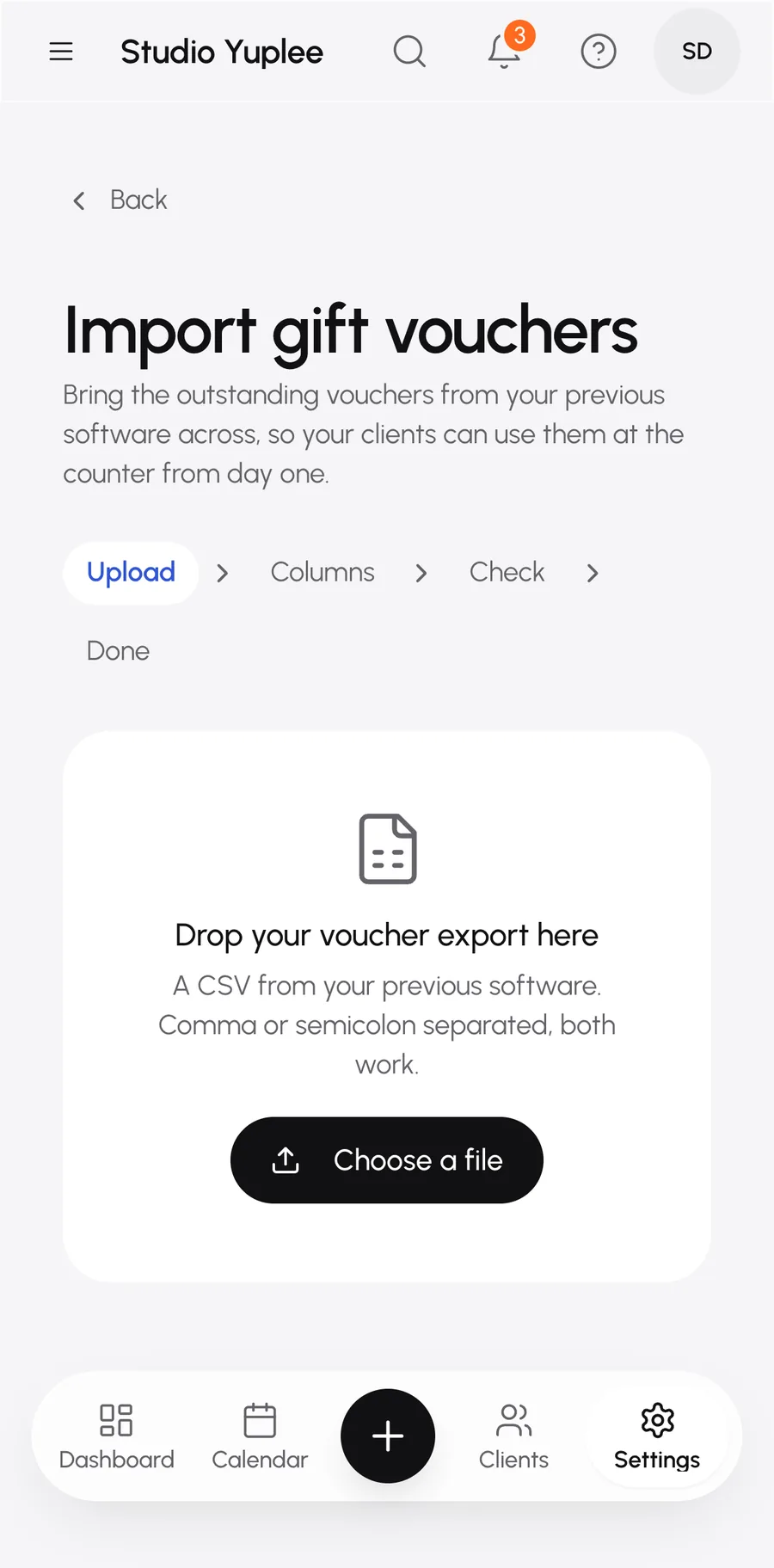
Take over your old vouchers
Import them from your previous system, with a check on the total amount.
Often requestedOften requested
Outstanding amount
See what your clients still have in credit.
VAT at the right moment
No VAT at purchase, but when the voucher is used.

Products and stock.

Know what is still on the shelf.

7 features
FeatureWhat it doesOften requested
Product catalogue
With photos, a main photo and a unique barcode.
Alert level
You get a heads-up when stock runs low.
Restock
Record a delivery, with a note such as the delivery number.
Adjust stock
Correct a count in a few taps.
Stock overview
What has run out and what is below the alert level, in one place.
Stock history
Every change to every product, filterable.
Archive a product
A product disappears from checkout without losing your history.

Figures.

What your salon does, without the maths.

7 features
FeatureWhat it doesOften requested
Revenue per period
Compared with the previous period.
Per treatment and per team member
See what works best.
Services and products
Shown separately, with revenue per product.
Average booking value
And the cancellation rate.
Checkout per payment method
Cash, card, bank transfer and vouchers side by side.
Gift vouchers
Sold, used and expired in the chosen period.
Today at a glance
Your appointments of the day and the latest bookings.

Notifications.

Who gets which message, and when.

7 features
FeatureWhat it doesOften requested
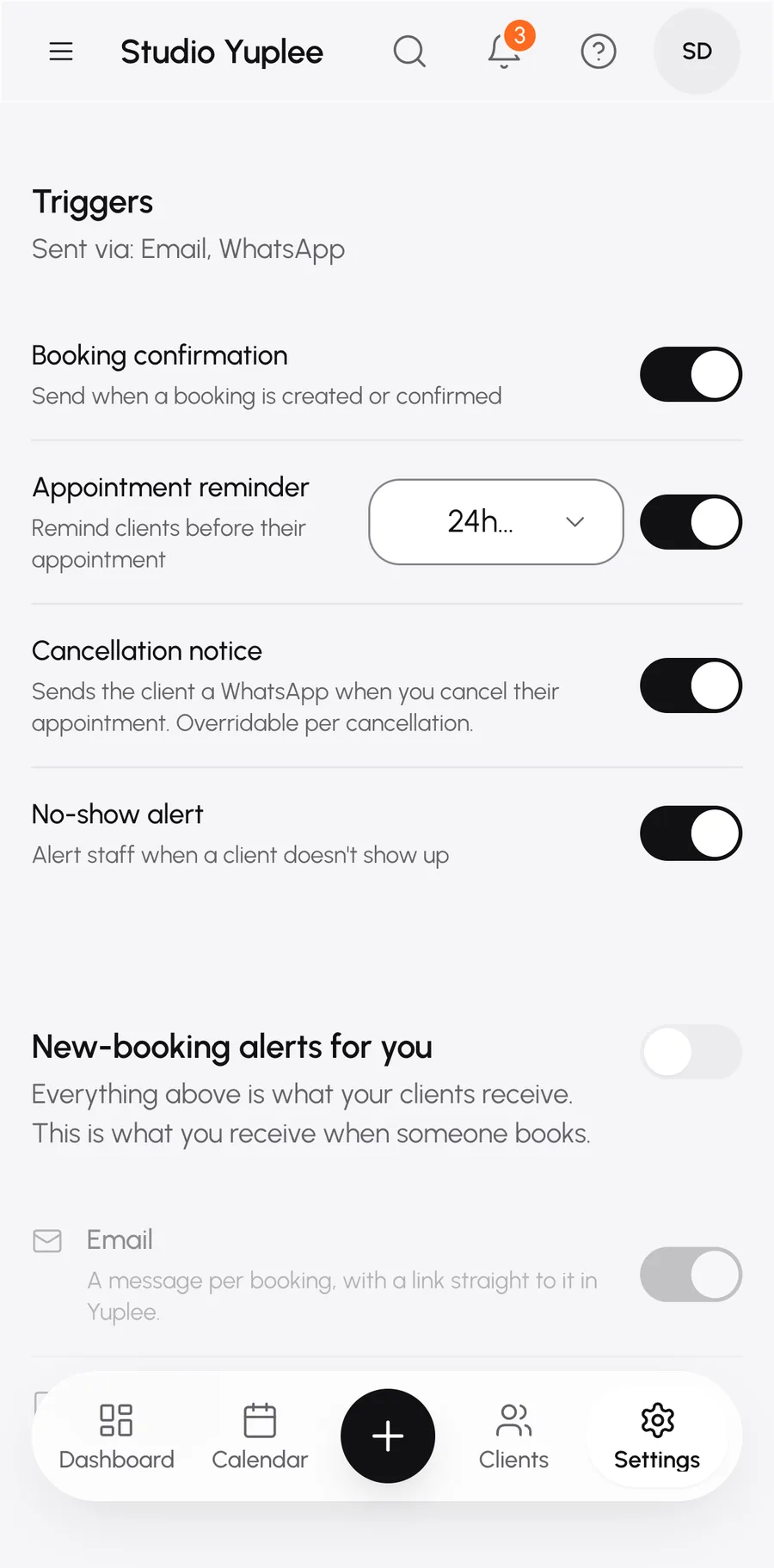
Booking confirmation
To your client, by email or WhatsApp.
Appointment reminder
A number of hours beforehand, set by you.
Cancellation message
On or off by default, and adjustable per cancellation.
Often requestedOften requested
No-show alert
Your team sees straight away who didn't show up.
Consent texts
Adjust the texts clients use to opt in or out.
For you, on a new booking
One email per booking, or one summary per day at the time you choose.
Decide what counts
Bookings you make or move yourself give no notification by default.

AI.

Always a choice. Everything about AI is on the AI page.

7 featuresTo the AI page
FeatureWhat it doesOften requested
Replying in WhatsApp
The AI replies to your clients in their conversation and puts the appointment in your calendar.
Take over yourself
Take over a conversation and reply to your client yourself in WhatsApp.
Approve messages
Have messages checked by you before they are sent.
Pause everything
With one button the AI stops doing anything.
Conversations
All conversations with your clients in one overview, filterable by status.
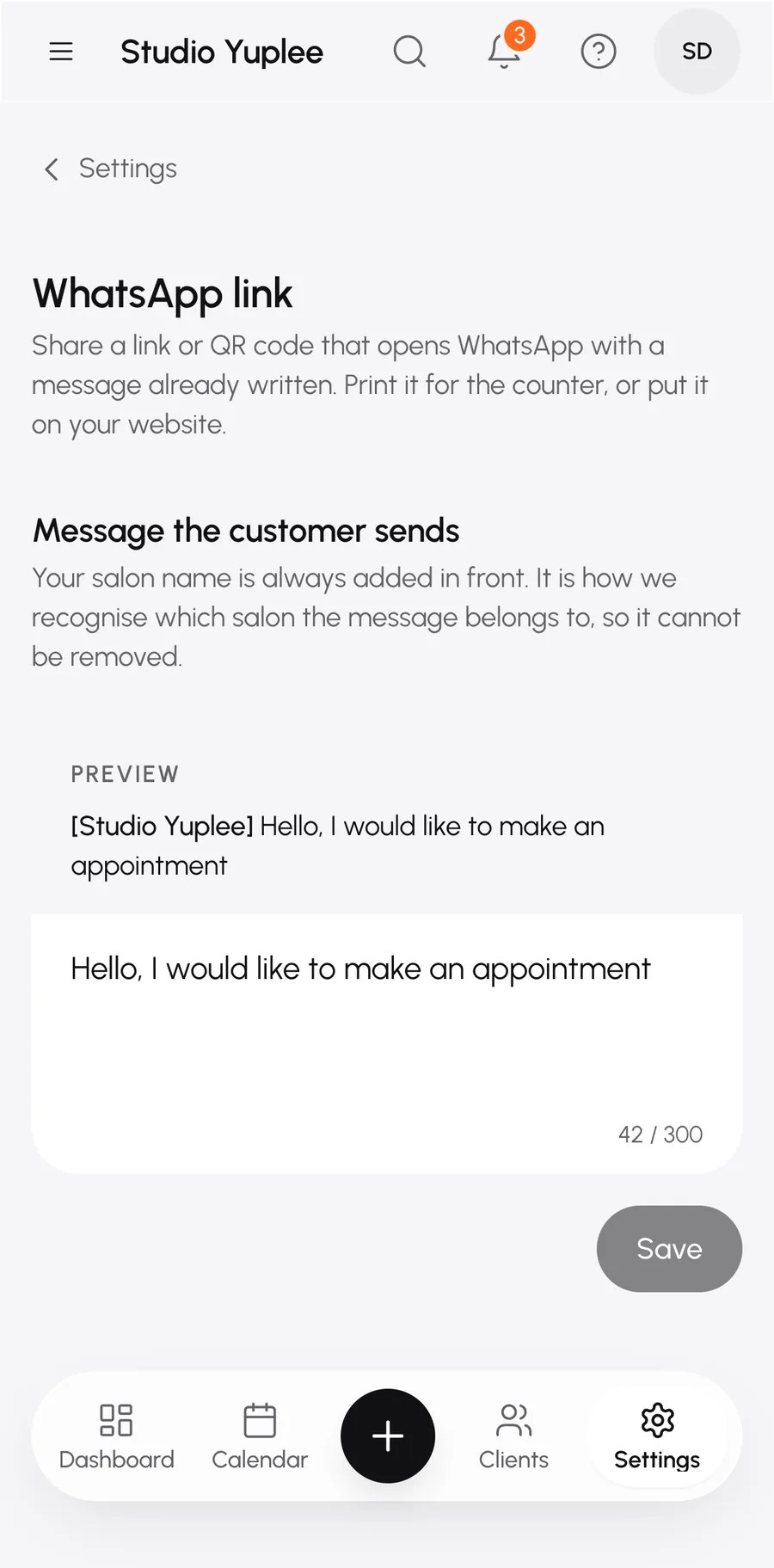
WhatsApp link and QR
A link or code with a message already prepared. Print it for the front desk.
Description per treatment
The AI replies with what you wrote yourself.

Setting up your salon.

Get it right once, then it just works.

8 features
FeatureWhat it doesOften requested
Profile and logo
Name, details and your own logo.
Opening hours
Per day with several time blocks.
Public holidays and closures
Saved as soon as you add them.
Google Calendar
Appointments in both directions. External items can block your time, or just inform.
Compact view
More on your screen, less white space.
Search everything
A search field that takes you straight to the right place.
Keyboard shortcuts
For those who prefer working with the keyboard.
Signing in
With a password, or with a link by email or WhatsApp.

Switching.

Take along what you have built up.

FeatureWhat it doesOften requested
Clients, team, treatments and calendar
Transferred in one go from your previous system.
Choose what comes along
Clients only, clients with treatments and team, or everything.
Without sharing your login
You stay logged in to your old system yourself.
Progress and final report
You see what comes in and what didn't work.
Undo the import
If something is off, you reverse it.
The same file again
Rows that are already there are left alone.

Everywhere and secure.

On every screen, with your data in order.
6 features
FeatureWhat it doesOften requested
Laptop, tablet and phone
Every screen gets its own layout.
Often requestedOften requested
Checkout as an app
Install it on your tablet or phone.
Often requestedOften requested
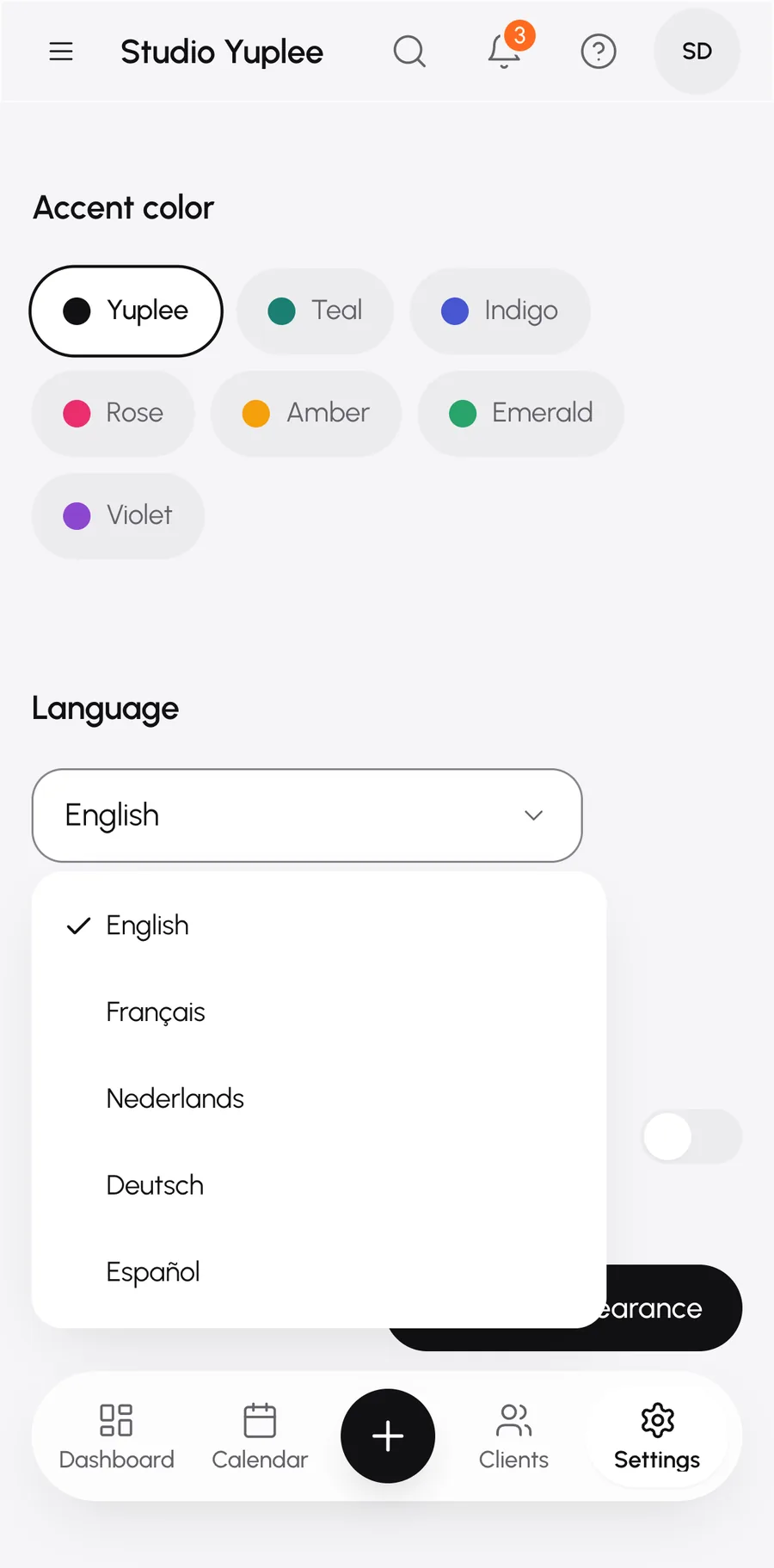
Five languages
Dutch, French, English, German and Spanish.
Often requestedOften requested
Bin for 30 days
A deleted client or booking can be restored.
Completed sales are kept
Even if you delete a client.
Your data, your decision
You can always erase a client's contact details.

Everything included. Free.

Your salon is ready in about ten minutes.

Free. No card number.

Start free.

Enter your WhatsApp number. We'll set up your salon together in the chat. No calls, no hassle.

We'll send your first message here. Enter a valid number, e.g. 0470 12 34 56.

Free. No card number.

Why WhatsApp? We set up your salon with you in a few messages. Prefer email? Email us at hello@yuplee.com.

On its way.

Check your WhatsApp. You'll get a message from Yuplee in a moment to set up your salon together.